
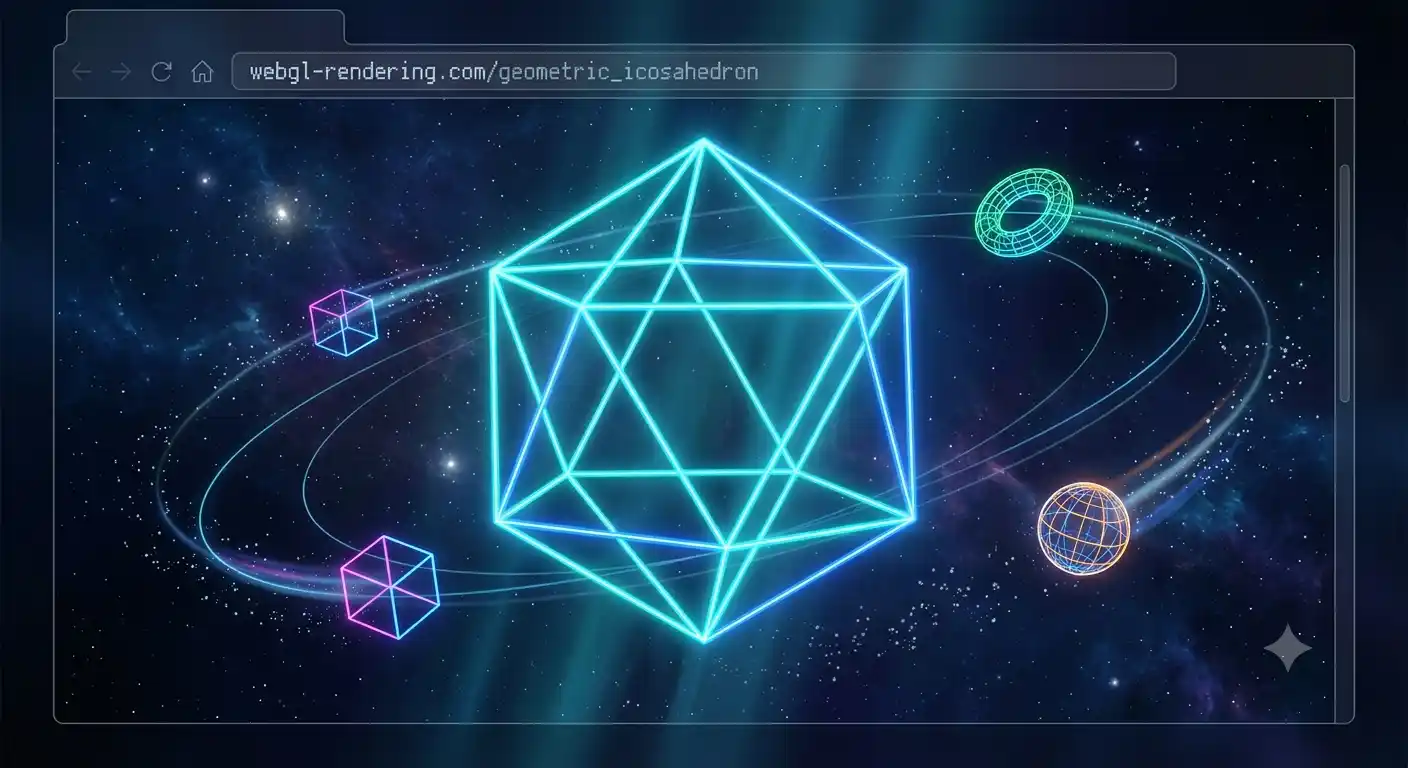
The flat web is a thing of the past. Today's browsers are powerful enough to render complex 3D scenes in real-time, right on your phone or computer, without installing any extra applications. The magic behind this revolution is called WebGL, and its most powerful and developer-friendly ally is the Three.js library.
1. What is WebGL and why is it so important?
WebGL (Web Graphics Library) is a JavaScript API that renders interactive 2D and 3D graphics within any compatible browser, without using third-party plugins. It is an open standard created by the Khronos Group consortium and has been natively implemented in Chrome, Firefox, Safari, and Edge for years.
The reason for its power is that WebGL talks directly to your device's GPU (Graphics Processing Unit). This means rendering operations don't bottleneck the main processor (CPU), but are delegated to specialized image hardware. The result: complex 3D scenes running at 60 frames per second even on mid-range mobile devices.
However, writing pure WebGL code is extremely complex. It requires deep knowledge of matrix mathematics, linear algebra, and the shader language (GLSL). Creating a simple 3D spinning cube on screen with pure WebGL can require over 200 lines of technical code.
2. Three.js: The Abstraction That Changed Everything
Three.js, created by Ricardo Cabello (known as "mr.doob") in 2010, arrived to democratize 3D web development. It is a JavaScript library that acts as an abstraction layer on top of WebGL, offering a high-level API with which you can create 3D objects, lighting, cameras, and animations with a fraction of the code.
The basic concepts of Three.js are organized around three fundamental pillars:
- Scene: It is the container for all elements. Think of it as a theater stage where you place actors, lights, and props.
- Camera: Defines the point of view from which the scene is rendered. The most common is the
PerspectiveCamera, which simulates the perspective of the human eye. - Renderer: It is the engine that takes the scene and the camera, and draws the result on the HTML canvas of your page using WebGL.
const scene = new THREE.Scene();
const camera = new THREE.PerspectiveCamera(75, window.innerWidth / window.innerHeight, 0.1, 1000);
const renderer = new THREE.WebGLRenderer();
// Create a cube and add it to the scene
const geometry = new THREE.BoxGeometry();
const material = new THREE.MeshBasicMaterial({ color: 0xab47bc });
const cube = new THREE.Mesh(geometry, material);
scene.add(cube);
3. Geometries, Materials, and Lights
One of the advantages of Three.js is its massive library of predefined geometries. From spheres and cylinders to complex shapes like tori (donuts), cones, and planes. Each geometry is assigned a material, which determines how it visually interacts with light.
The most commonly used materials are:
- MeshBasicMaterial: Does not react to light. Ideal for rapid prototyping or wireframes.
- MeshStandardMaterial: The most realistic. Simulates light physics (Physically Based Rendering) with properties like roughness and metalness.
- MeshPhongMaterial: Offers specular highlights (the shine seen on glossy surfaces). Lighter than Standard.
- ShaderMaterial: Allows you to write custom GLSL shaders for unique effects like plasma distortions or force fields.
Lights are essential to make the scene look realistic. Three.js offers PointLight (a point source like a light bulb), DirectionalLight (sunlight), AmbientLight (uniform global lighting), and SpotLight (a focused beam with shadows). Properly combining these lights is what transforms a flat-looking scene into a cinematic one.
4. Our 3D Templates: Real-world Use Cases
At JCode, we use Three.js in our premium templates to create experiences that would be impossible with conventional HTML and CSS. Some of our standout uses include:
- 3D Particle Backgrounds: Thousands of particles floating in space, responding to the user's mouse movement, creating depth and immersion.
- Rotating 3D Text: Personalized messages that float and spin in 3D space, perfect for birthday or anniversary covers.
- Galaxy Scenes: Particle systems that simulate stellar galaxies, ideal for space-themed romantic dedications.
- Interactive Objects: 3D elements the user can rotate with their finger on mobile (using JavaScript touch events), making the experience tactile and intuitive.
These three-dimensional experiences capture the user's attention immediately and generate a memorable, highly shareable experience on social media. When someone receives a link and opens it to find a 3D universe with their name written in the stars, the emotional reaction is unparalleled.
5. How to Get Started with Three.js?
If you want to venture into learning Three.js, the best starting point is the official documentation. There are also excellent free courses on YouTube and platforms like Bruno Simon's "Three.js Journey" (considered the best Three.js course in the world).
However, if you need a ready-to-use solution today without knowing Three.js or WebGL, our premium templates already include all the necessary code. You just need to change the text, colors, and a few basic parameters in the configuration file we include with each download.